Hardware
Why Correct Pixel Dimensions Still Fail in Digital Signage Deployments
Matching a screen's documented resolution does not guarantee correct playback. Drawing on anonymized support cases and public user feedback, this guide explains how aspect ratio, USB workflows, player output, controller mapping, file compatibility, and IT restrictions affect results—and provides a repeatable pre-deployment test.
August 6, 2026
 ChatGPT
 Grok
Grok Perplexity
 Claude
A file can match the published resolution and still look wrong—or fail to play at all. That happens because digital signage resolution is not only a width-by-height specification. It is the final result of a chain that includes the source file, file format or codec, USB drive or CMS, media player, output mode, controller, and display mapping.
Drawing on anonymized support records reviewed by MWE Display, public user feedback, and third-party technical documentation, this guide explains how to validate the complete playback path instead of relying on one resolution number.
For content designers, AV integrators, retail marketers, and display operators, the practical question is not simply, “How many pixels does this screen have?” It is, “What exact canvas does the complete playback path expect?”
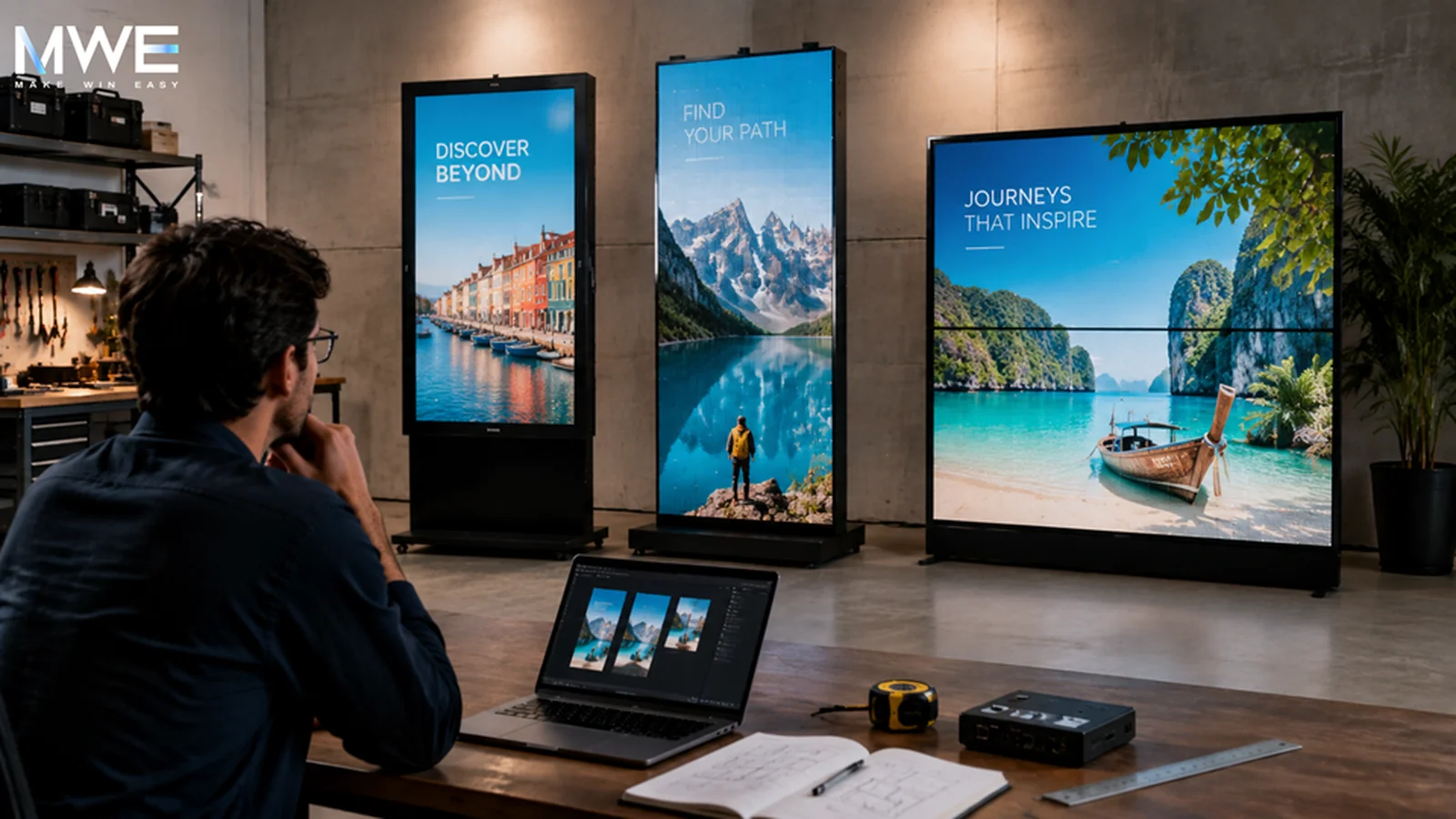
The answer matters whenever one campaign must run across portrait LCD kiosks, LED posters, video walls, or spliced displays. A file that looks sharp on a laptop may be stretched on one screen, cropped on another, softened by scaling, or placed in the wrong section of an LED canvas.
Practical rule: Validate the exact campaign file, playback route, and device configuration—not just the resolution printed in a manual or product listing.
Resolution Is a Chain, Not a Single Specification
Physical screen size, native pixel resolution, aspect ratio, and playback canvas describe different things.
A 55-inch display tells a designer about physical scale and likely viewing distance. It does not reveal whether the active canvas is 1920 × 1080, 3840 × 2160, a rotated portrait output, or a custom LED map. Two displays can have the same diagonal size and different native resolutions. Two 4K displays can have the same pixel count and very different physical dimensions.
Common values such as 1920 × 1080 for landscape content and 1080 × 1920 for portrait content are useful starting points, not universal answers. The correct canvas should come from the display settings, player output, controller map, or processor configuration. Yodeck’s guidance on screen sizes and aspect ratios illustrates why screen shape and output mode must be verified separately.
The distinction becomes even more important with LED displays and LED posters. A controller may accept a standard HDMI or DVI signal while using only a smaller mapped area for the actual LED modules. In that situation, designing for the full incoming signal can place content in the wrong location even when the file technically matches the input resolution.
Real Support Cases Show Where the Workflow Breaks
An Exact-Size JPEG That Still Needed Troubleshooting
An anonymized support case from July 2026 involved a team preparing JPEG graphics for an LED poster. The files were created at 344 × 1032 pixels, matching the dimensions stated in the instruction manual, and copied directly to a USB drive. Playback still required troubleshooting.
The issue could not be reduced to pixel dimensions alone. Support needed to distinguish among USB recognition, file compatibility, playback mode, and device settings. The customer’s IT policy also prohibited downloading the recommended software, so the intended workflow had to function without it.
The final root cause had not yet been confirmed, but the case exposed a common deployment risk: a correct canvas does not guarantee a workable operating process.
When Some Files Look Right and Others Do Not
A separate June 2026 feedback record for a spliceable LED poster described a related problem. The customer tested multiple image and video sizes. Some appeared acceptable, while others did not provide the expected clarity or flexibility. The limitation only became clear after hands-on testing.
Again, the record did not establish one confirmed technical cause, but it demonstrated why a nominal specification is not an acceptance test.
Public feedback points in the same direction. A purchaser reviewing an 80-inch MWE LED poster warned that incorrectly sized images or videos could appear stretched or cropped.
Find the Real Playback Canvas
The screen is only the final stage. Content may pass through a built-in Android player, external signage player, CMS, LED sending card, or video-wall processor before it reaches the pixels.
Use the following checks to identify the actual canvas:
- Commercial LCD with a built-in player: Confirm both the panel’s native resolution and the resolution used by the built-in player.
- External player over HDMI: Confirm the negotiated output after the player and screen have started in their normal operating sequence.
- LED poster or wall: Obtain the controller input resolution and the mapped LED content area, including its origin point.
- Spliced or folding display: Obtain the combined canvas and the exact coordinates of seams, bezels, or folds.
- USB or offline playback: Confirm the media format, codec, storage behavior, root-folder rules, and whether the customer’s IT policy allows any required software.
Yodeck’s LED display documentation distinguishes the incoming video signal from the mapped LED content area. That distinction is essential when only part of a standard input is assigned to the physical modules.
Record the entire signal path before approving content. A resolution copied from the panel brochure may still be wrong for the player or controller that places the image.
Match Shape Before Detail
Aspect ratio is the relationship between width and height. If the shape of the source content does not match the output shape, the system must crop, stretch, letterbox, or otherwise scale the file.
Fix that mismatch before judging sharpness. A high-resolution 16:9 design will still look wrong when forced into a narrow portrait poster. A square social media graphic will not become an effective menu board simply because it is exported at a larger size.
Build the layout at the target ratio from the beginning. Then define safe areas for prices, faces, logos, QR codes, and calls to action. On unusual LED or multi-screen surfaces, the safe area must account for controller boundaries, bezels, seams, and folds. A generic percentage margin is not enough when a physical break crosses the composition.
Different Display Types Fail in Different Ways
- Standard LCD signage: Typical risks include incorrect orientation, player output, scaling policy, or unsupported media. Confirm the native resolution, portrait rotation, output mode, and file compatibility.
- LED posters and walls: These displays are more likely to use a custom pixel map inside a larger input signal. Test the controller map, content-area origin, and pixel-to-pixel placement.
- Spliced or folding displays: These introduce physical boundaries. A technically correct combined canvas can still fail if a seam cuts through a face, price, logo, or QR code.
- Mixed display networks: One master asset is often forced across incompatible ratios and viewing distances. A shared campaign concept can work across the network, but device-specific compositions and exports are usually required.
Build a Diagnostic Asset Before the Campaign
A diagnostic test file should be simple and deliberately unpolished. Include the canvas dimensions, a one-pixel border, corner markers, grid lines, circles, grayscale steps, color patches, small and large text, and markers for any seam or fold.
The file should answer practical questions:
- Are all four corners visible?
- Are circles still round, or has the image been stretched?
- Is fine detail stable or softened by scaling?
- Does text remain readable at the real viewing distance?
- Do seams divide important content?
- Has the player cropped, rotated, or repositioned the canvas?
Do not stop after the calibration grid works. Test at least one real JPEG and one real video through the intended workflow. Yodeck notes that uploaded images are not automatically resized, while BrightSign documents player-specific image format and dimension considerations. More pixels do not automatically mean more reliable playback.
Save the test result with the display model, player or controller, output resolution, playback route, file format or codec, date, file version, and acceptance status. If installation of software is restricted, record that constraint before deployment rather than discovering it after content delivery.
Redesign Instead of Resizing When the Job Changes
Resizing is appropriate when the destination keeps the same shape and the content remains readable. It fails when the communication job changes.
A landscape lobby screen may support a headline, schedule, and map at the same time. A narrow portrait kiosk may need one message per frame. A wide LED strip may require large type and a sequence rather than a static composition. A folding display may need a continuous image with quiet seam zones.
When the aspect ratio, viewing distance, playback hardware, or physical breaks change, rebuild the composition. Keep the campaign idea, color system, and source assets. Change the layout.
The most reliable digital signage canvas is not the largest file a designer can export. It is the exact, tested canvas that the complete playback system can display without inventing a crop, stretch, or unsupported workflow.
For additional display and playback troubleshooting resources, visit the MWE Help Center.
Frequently Asked Questions
What resolution should digital signage content use?
Use the native output or mapped content area of the exact display, player, or LED controller. Begin by confirming the screen size, orientation, and aspect ratio, then verify the output mode on the real device.
Product specifications for floor-standing digital signage can provide a starting point, but they do not replace a playback test.
Is 1080 × 1920 always correct for portrait digital signage?
No. It is a common Full HD portrait canvas, but a display may use 4K, a rotated player output, or a custom controller map. Different indoor digital signage formats can require different exports, even when the screens have a similar physical shape.
Why does digital signage content show black bars or get cropped?
The content and output usually have different aspect ratios, or the player is using an unexpected resolution or scaling policy. Recheck the aspect-ratio and layout settings before exporting a larger file. More pixels will not correct the wrong shape.
Why will a correctly sized file not play from USB?
Resolution is only one variable. Check USB recognition, root-directory rules, image or video format, codec, playback mode, and whether required software is allowed by the customer’s IT policy.
Use the MWE Help Center for model-specific checks and review player-specific media-format guidance when an external player is involved.
Should LED content match the HDMI or DVI input resolution?
Not always. An LED controller can accept a standard input while using only a smaller mapped content area. Obtain both values, review the difference between the incoming signal and the LED content-area map, and test a grid on the actual modules.
For a practical overview of pixel pitch, setup, and content control, see this LED poster display guide.
Can one digital signage file work across every screen?
One campaign system can support a network, but different ratios, orientations, viewing distances, and seams usually require device-specific exports.
Networks combining LCD kiosks with portable LED and event displays should preserve the campaign idea while rebuilding each composition for its destination. For wider deployment planning, see this interactive digital signage guide.
Included In This Story

MARVEL TECH GROUP CO., LTD.
Make Win Easy
MWE manufactures commercial-grade LCD/LED digital signage for retail, QSR, and DOOH applications. Specializing in IP65-rated outdoor displays (2500-5000 nits), indoor video walls, LED poster displays, and Android-based solutions. Regional stock in USA/Germany. Tier-1 components (Samsung, LG, BOE). Built for reliability.
Related Media
Subscribe
Get the latest news and resources from Digital Signage Today.
Recent Posts