Display Technology
What Makes a Digital Signage Rollout Successful? People, Content and Infrastructure
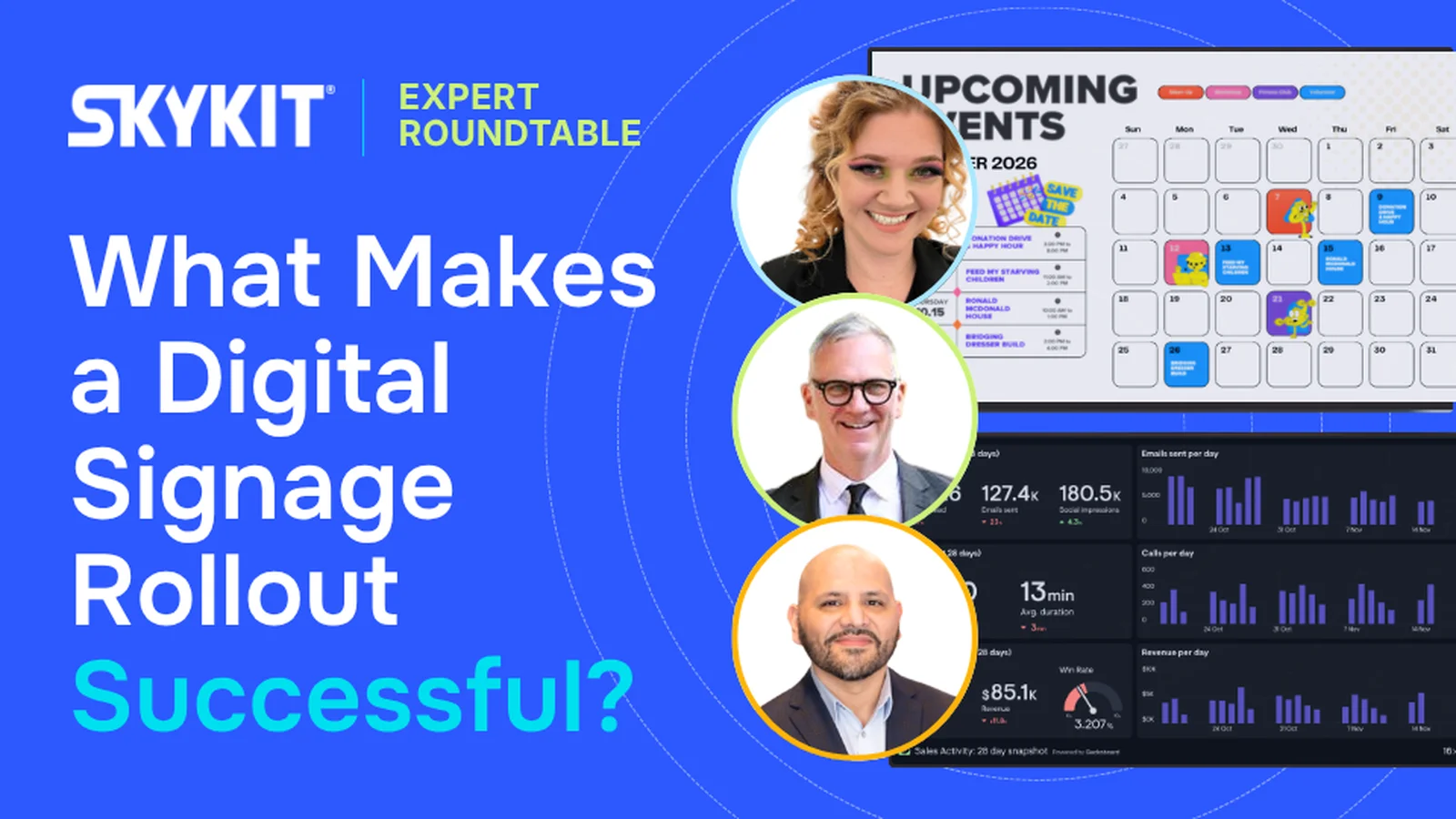
A live roundtable featuring a Skykit customer, a digital signage industry advisor, and a solution engineer explores what separates a successful rollout from a stalled one. The discussion covers three key points: cross-functional ownership, a content strategy built around business goals, and infrastructure built to scale with remote management.
August 19, 2026
 ChatGPT
 Grok
Grok Perplexity
 Claude
A successful digital signage rollout depends on three elements working together:
- The right people within the organization involved from day one.
- A content strategy built for the organization’s business goals (whether that's employee engagement, customer experience, or revenue).
- Technical infrastructure that can be easily managed, and able to scale from initial rollout to full deployment.
Organizations that treat digital signage as a communication solution — not a technology project — see the strongest results. These takeaways come from Skykit's live roundtable, The Blueprint for a Flawless Digital Signage Roll-out, which brought together three distinct vantage points on what it takes to get a roll-out right:
→ Stephanie Ronneng (HR Business Partner, J.H. Larson Company), a Skykit customer who has lived through a roll-out firsthand.
→ Marc Kline (Advisor, Digital Signage, Retail Media + Content), an industry veteran who's seen what separates success from setbacks.
→ Juan Reyes (Head of Solution Engineering, Skykit), who works through the technical realities of deployment every day.
Who Should Be Involved in a Digital Signage Roll-out?
A digital signage roll-out succeeds when it's owned cross-functionally, not by a single department. The strongest roll-outs bring together HR, IT, marketing, operations, and leadership from the very beginning, rather than treating the project as one team's responsibility.
At J.H. Larson Company, a fourth-generation wholesale distributor with locations across Minnesota, South Dakota, and Wisconsin, the rollout succeeded specifically because it wasn't owned by one department. HR, IT, marketing, and executive leadership were all engaged early, which created buy-in and made expansion to additional locations easier down the road.
Digital signage needs cross-functional ownership
Digital signage touches too many parts of an organization to be managed by IT alone. While IT and facilities typically manage the physical devices and network infrastructure, content and messaging decisions usually belong with HR, corporate communications, and marketing. Trying to run the entire program through one department creates bottlenecks and disconnects the people managing the technology from the people who need to communicate through it.
How successful organizations divide ownership:
- IT and facilities: network infrastructure, device maintenance, and technical troubleshooting.
- HR and corporate communications: company updates, safety information, and employee recognition content.
- Marketing: customer-facing and brand-related content.
- Operations: day-to-day coordination across locations.
- Leadership: visible support that drives adoption across the organization.
The goal across all of these groups is common governance and accountability — everyone understands their role in the program and who to loop in when something needs attention.
Executive support drives adoption
Executive support is one of the strongest drivers of company-wide adoption. When leadership actively uses and promotes the platform (rather than treating it as a side project) employees are far more likely to engage with the content on it.
What role does a pilot program play in a successful roll-out?
Starting with a single-location pilot before a full roll-out allows organizations to test screen placement, content types, and workflows before committing company-wide. A pilot reduces risk and builds internal confidence, since lessons learned at one location can be applied everywhere else before scaling.
What Kind of Content Keeps Digital Signage Screens Effective?
Automated content keeps screens fresh without manual effort
Dynamic content solves the problem before it starts. Rather than relying on one person to manually refresh slides, organizations get the best results by connecting screens to existing data (live dashboards, weather feeds, sports scores) so content updates on its own. Automatically updating information, like birthdays and work anniversaries pulled from an HR system, removes the burden of refreshing screens every week. This kind of content also builds a habit: when employees know the screen changes regularly, they check it more often — which increases their exposure to safety messages and company announcements displayed alongside it.
What type of content drives the most employee engagement?
Human-centered content consistently generates the strongest engagement. Employee spotlights, new-hire introductions, birthday and anniversary recognition, and event photos are the content types that get the most attention, because people naturally respond to seeing themselves and their coworkers featured.
This "soft" content isn't just a nice-to-have — it earns the attention that more operational content, like safety reminders and KPIs, needs in order to be seen at all.
Should content be centralized or localized?
The strongest approach combines both. Corporate teams should own the brand standards, templates, and non-negotiables so everything stays consistent, while individual locations should have a defined space to add locally relevant content. Full central control tends to feel like "corporate noise" over time, while fully decentralized control can lead to inconsistent, off-brand messaging. The right balance keeps content on-brand while still feeling relevant to each location.
Approval workflows need clear roles and low friction
Content approval processes need clear roles and permissions to avoid bottlenecks. Defining who can create, review, and publish content — and building simple approval workflows around those roles — keeps content moving without slowing anyone down or discouraging contributors from participating. The easier the approval step is, the smoother the process runs: a platform that lets a content administrator approve changes from their phone or with a few clicks in an email removes friction that would otherwise stall content in a review queue.
How do organizations build a sustainable content infrastructure long-term?
A sustainable content infrastructure comes down to strong workflows, not more manual effort. Empowering users to build and manage content in tools they already use (like Canva, Microsoft PowerPoint, SharePoint, or Google Slides) means teams aren't learning something new just to contribute. From there, automating parts of the content lifecycle, such as setting start and end dates or recurring schedules, means content updates and expires on its own without someone logging in daily to manage it.
Organizations should also look for a platform that integrates with the communication tools they already rely on, such as Microsoft Teams, Slack, or Instagram. The goal isn't to reinvent a communication process. It's to extend the infrastructure and habits already in place.
What Infrastructure Does a Digital Signage Roll-out Need to Scale?
The infrastructure decisions that matter most for scaling a digital signage network are remote management and network security. Getting these right early makes it possible to manage dozens or hundreds of screens without adding significant operational overhead.
Network readiness becomes critical at scale
Network readiness becomes critical as a digital signage deployment grows from a handful of devices to hundreds. At that scale, organizations need clarity on who owns the security side of the hardware — including firmware management and patching — and who serves as tier 1 support if a device goes offline. Without that clarity defined ahead of time, growth creates operational gaps rather than scaling smoothly.
Why is remote management important for scaling?
Remote management is what separates a screen network that scales smoothly from one that requires constant on-site attention. Once an organization moves beyond a handful of screens, being able to push updates, monitor device status, and reboot screens remotely — without sending someone to a physical location — is essential. Ideally, a platform should let a team manage its entire fleet centrally, whether that means confirming a device is online or rebooting it from anywhere, so those actions scale effortlessly as the network grows.
What security considerations matter most for a digital signage network?
Network connectivity, device patching, and vendor compliance are the top security considerations for a digital signage roll-out. Organizations should understand how their devices connect to the network (WiFi, Ethernet, or VLAN), how software updates and patches are managed, and whether their vendor meets recognized security standards.
Skykit is SOC 2 Type 2 compliant, which is a relevant consideration for organizations displaying sensitive data, such as financial dashboards, on their screens.
How Should Organizations Measure Digital Signage Success?
Digital signage success should be measured against the original business objective, not a traditional ROI calculation. Because internal communication improvements are difficult to tie to a specific dollar figure, organizations get more useful insight by asking whether the platform accomplished what it set out to do.
What does a "return on objective" look like in practice?
A return on objective looks like measurable progress on the original problem the organization set out to solve, whether that's more consistent communication across locations, fewer safety incidents, or reduced reliance on printed notices. Practical indicators include employees referencing content in daily conversation, stronger participation in company events, and consistent messaging across every location.
Network uptime is a leading success indicator
Network uptime is a leading indicator that's often overlooked, especially in larger deployments. A screen network can't deliver on its purpose if devices are frequently offline, so monitoring device health and uptime (not just the content itself) is an important part of measuring whether a digital signage program is working as intended.
Key Takeaways
- Digital signage rollouts succeed when ownership is shared across HR, IT, marketing, and leadership — not treated as a single department's project.
- A small pilot program reduces risk and builds confidence before a company-wide launch.
- Automated, dynamic content keeps screens fresh without constant manual effort.
- Human-centered content, like employee recognition, drives the strongest engagement.
- Remote management and integration with existing tools are essential for scaling.
- Success should be measured against the original business objective, not traditional ROI.
Want to Hear the Full Conversation?
Check out the on demand recording of our roundtable with Stephanie, Marc and Juan. You'll hear more about what it takes to both plan and launch a successful digital signage rollout.
Included In This Story

Skykit
The Complete Digital Signage Platform
Skykit provides scalable and secure digital signage solutions to mid-size and large-scale enterprises, empowering them to transform spaces into dynamic hubs of communication and connection. From factories to hospitals to retail, Skykit makes digital signage accessible, intuitive, and impactful.
Related Media
Subscribe
Get the latest news and resources from Digital Signage Today.