Software
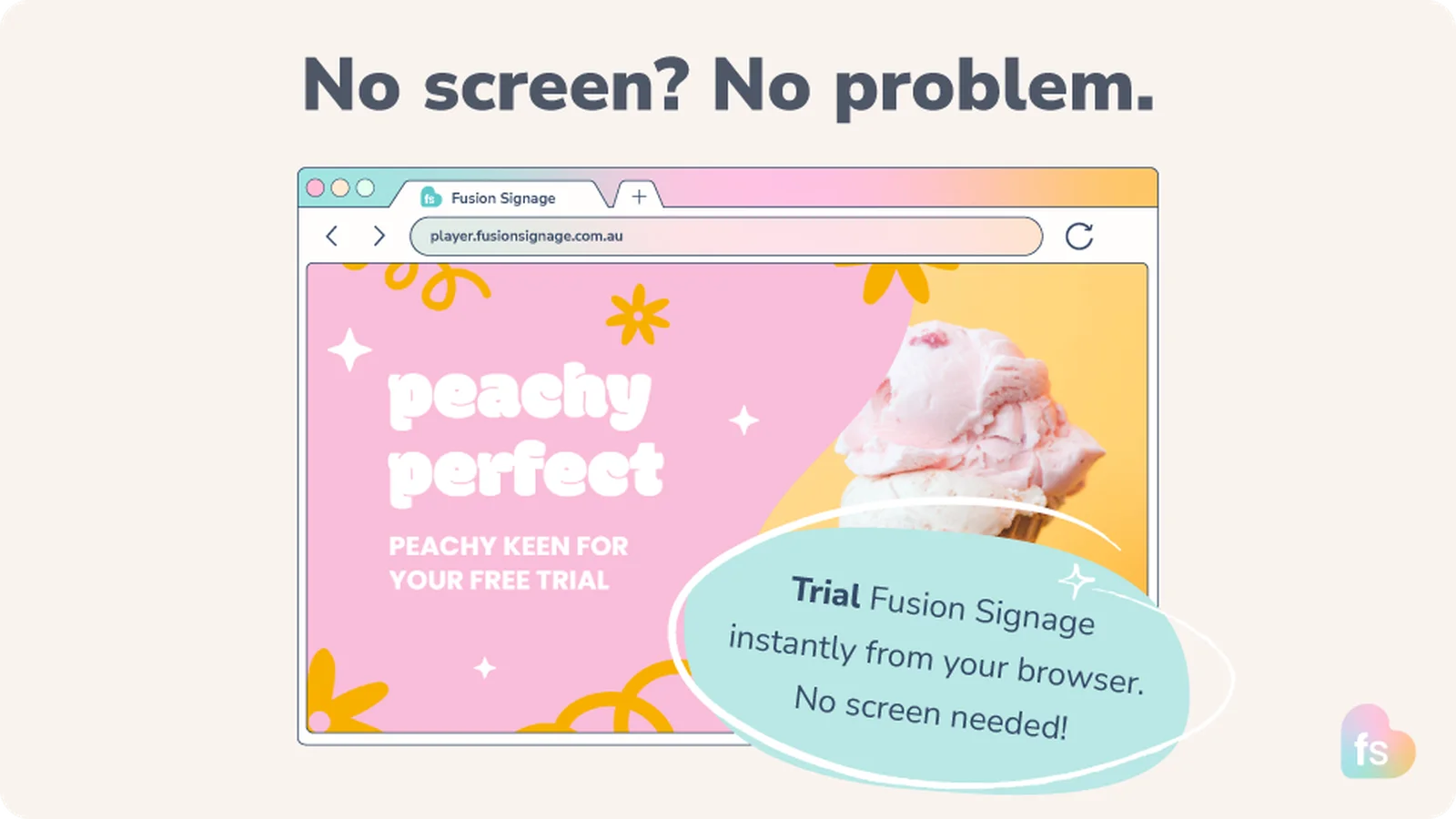
Trial Fusion Signage instantly from your browser (no digital signage screen needed)
No screen yet? No problem. Get started with digital signage quickly, even if screens haven’t arrived yet, hardware is still being decided, IT hasn’t installed anything, or you’re just… exploring. Keep the momentum rolling and set up software in a flash. 😎
June 2, 2026
 ChatGPT
 Grok
Grok Perplexity
 Claude
How to turn your browser into a screen
If you don’t have a physical screen handy yet, you can use your web browser as one.
To do it, simply:
- Open a browser (Google Chrome is best)
Head to the Fusion Signage Web Player to receive a unique screen code
Log into your Fusion Signage account, click Add Screen
Enter the code, name your screen, assign your trial licence
Click Add Screen one more time
Then head back to the Manage section to assign your content.
Easy-peasy. It’s basically a live screen, without the hardware.
So you can hit the ground running the moment your screen arrives. Nice one. ✨
Why it's neat
Instantly design, schedule and test digital signage content from your PC or laptop. Whether it’s your team, a client, or a stakeholder – actually show what it’ll look like.
Then when the screen(s) arrive(s) you’re ready to go live. 😎
👉 Try Fusion Signage from your browser.
Included In This Story

Fusion Signage
Australia’s friendliest digital signage software
Meet Fusion Signage. Australia’s friendliest digital signage software. Simple to learn, quick to deploy, powerful where it counts. World-class security, <3 minute response time, all-Aussie support and 99.9% uptime. Design, manage and deploy digital signage in minutes, from one neat place.
Related Media
Subscribe
Get the latest news and resources from Digital Signage Today.