Software
Canva integrates with Fusion Signage
August 7, 2026
 ChatGPT
 Grok
Grok Perplexity
 Claude
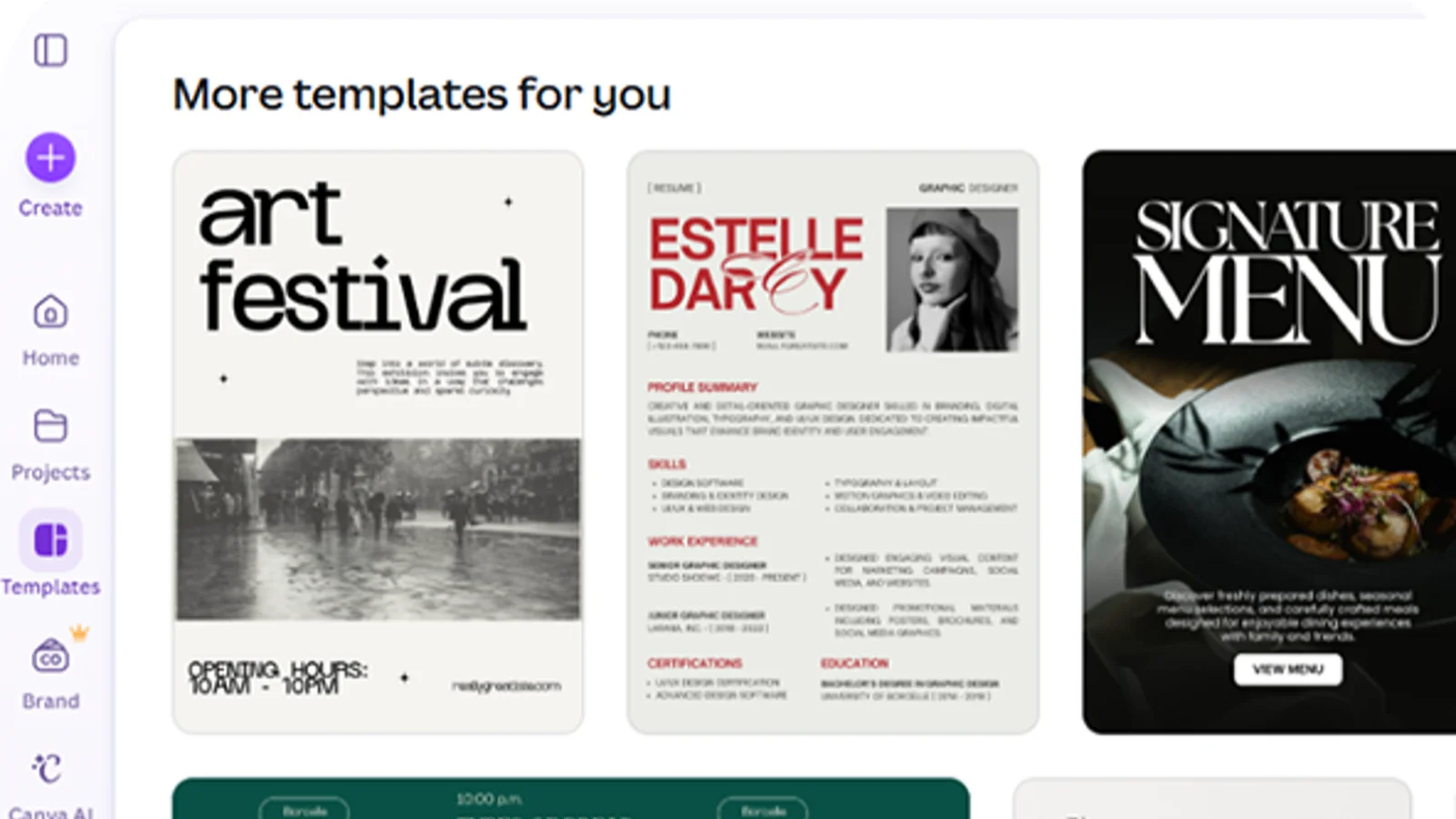
Fusion Signage, based in Australia, has integrated with Canva, connecting the design platform with Fusion Signage's digital signage software.
The integration gives users a faster and more seamless way to create, manage and publish visual content across single screens, multiple locations or entire screen networks, according to a press release.
"What I love most is how easy this makes things for us. We used to design templates in Canva, download them and then have to recreate editable versions in Fusion Signage. Now our team can edit directly in Canva as it is incredibly easy to connect Canva to Fusion Signage. We are and will definitely be using this integration in our workflow moving forward," Rebecca Filling, administration manager at Adventure Park Geelong and Fusion Signage user, said in the release.
Prior to the integration Fusion Signage users who designed content in Canva had to follow a specified and somewhat longer workflow. They would create in Canva, download the finished file, then manually upload it into Fusion Signage before scheduling and deploying it.
Connecting Canva to Fusion Signage takes just two steps. Users log into Fusion Signage, go to the Manage section and click Add, then Canva. That takes them to their Canva account. Once their design is ready, they click Return to Fusion Signage, where the Canva asset appears like any other media item.
Included In This Story

Fusion Signage
Australia’s friendliest digital signage software
Meet Fusion Signage. Australia’s friendliest digital signage software. Simple to learn, quick to deploy, powerful where it counts. World-class security, <3 minute response time, all-Aussie support and 99.9% uptime. Design, manage and deploy digital signage in minutes, from one neat place.
Related Media
Subscribe
Get the latest news and resources from Digital Signage Today.
Recent Posts